
How to Launch a SaaS Product: Week-by-Week Checklist
Pushary went from code-complete to paying users in 4 weeks. Here's the exact week-by-week plan we followed.


30 days. That's how long it took us to go from "Pushary is code-complete" to "Pushary has paying users." Not 30 days of development. 30 days of launch preparation and execution.
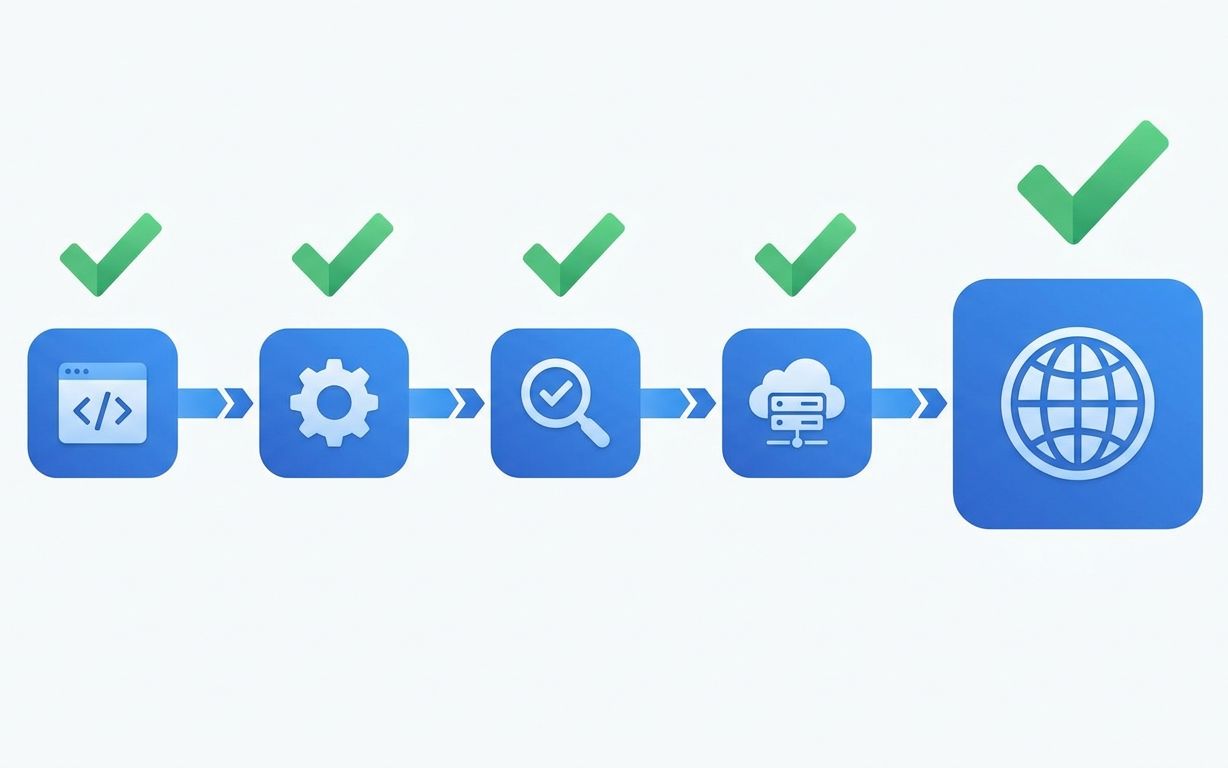
Most founders treat launch as a single event: flip a switch, post on Product Hunt, and hope for the best. We treat it as a 4-week process. Each week has specific deliverables. Skip a week and you'll feel it for months.
Key Takeaways > - Launch is a 4-week process, not a single event. Week 1 is infrastructure. Week 2 is instrumentation. Week 3 is beta. Week 4 is public launch. > - The #1 mistake we see: launching without error monitoring. You won't know what's broken until users tell you, which means you won't know for weeks. > - Ship a feedback mechanism before you ship the product. First users who can't report problems silently leave.
The Checklist Overview
| Week | Focus | Key Deliverables | |---|---|---| | Week 1 | Infrastructure & Reliability | Error monitoring, uptime monitoring, database backups, CI/CD, staging environment | | Week 2 | Analytics & Instrumentation | Event tracking, funnel setup, billing verification, performance baselines | | Week 3 | Beta & Feedback | Invite 10-20 beta users, feedback mechanism, bug triage process, support workflow | | Week 4 | Public Launch | Landing page, launch channels, onboarding flow, billing go-live, post-launch monitoring |
Week 1: Infrastructure and Reliability
This is the week most founders skip. It's also the week that determines whether your launch is recoverable or catastrophic.
Error Monitoring (Day 1-2)
Install Sentry (or equivalent) on every service: frontend, backend, and background jobs. Configure it properly:
- Set up source maps so stack traces show your actual code, not minified garbage - Configure alert thresholds (alert on 10+ occurrences of the same error, not every single error) - Set up a dedicated Slack channel for critical errors - Add user context to errors so you can see which users are affected
When we launched Pushary, Sentry caught a race condition in our notification delivery system within the first hour. 3 users were affected. We fixed it in 20 minutes. Without Sentry, we wouldn't have known for days.
Uptime Monitoring (Day 2)
Set up BetterStack, Checkly, or UptimeRobot to ping your critical endpoints every 60 seconds:
- Homepage - API health check endpoint - Authentication endpoint - Core feature endpoint (for Pushary: the notification send endpoint)
Configure phone call alerts for downtime, not just email. You need to know within 2 minutes when the product is down, not when you happen to check email.
Database Backups (Day 2-3)
Your managed database provider takes automatic backups. That's necessary but not sufficient.
- Verify automatic backups are configured and running - Run a test restore from backup to a separate instance - Document the restore procedure so anyone on the team can execute it - Set up point-in-time recovery if your provider supports it (most do)
We test restore on every project. On one project, we discovered the automated backups were failing silently because the backup storage bucket had reached its quota. Without the test, we'd have discovered this during an actual emergency.
CI/CD Pipeline (Day 3-4)
If you don't already have automated deployments, this is the week to set them up:
- Push to main deploys to staging automatically - Push a git tag deploys to production - Run tests before every deployment - Enable rollback (keep the previous 3 deployments accessible)
For Pushary, we use GitHub Actions deploying to Vercel (frontend) and Railway (backend). A full deployment takes 3 minutes. Rolling back takes 30 seconds.
Staging Environment (Day 4-5)
A staging environment that mirrors production. Same infrastructure, same configuration, different data.
- Separate database with seed data - Separate API keys for third-party services (Stripe test mode, SendGrid sandbox) - Same deployment pipeline as production - Accessible to beta testers in Week 3
The cost is EUR 20-50/month. The value is catching bugs in staging instead of production. Worth it by a factor of 100.
Week 2: Analytics and Instrumentation
You can't improve what you don't measure. This week turns your product from a black box into an observable system.
Event Tracking (Day 1-3)
Choose your analytics stack and instrument every meaningful user action. We use a combination of PostHog (product analytics) and Plausible (marketing analytics).
Track these events at minimum: - User signup (with source/medium/campaign) - Onboarding steps completed - Core feature used for the first time (for Pushary: first notification sent) - Core feature used subsequently (daily/weekly usage) - Billing events (plan selected, payment succeeded, payment failed) - Error events (user-facing errors, not just backend errors)
Don't track: - Every button click (noise drowns signal) - Page views without context (PostHog handles this automatically) - Events you won't look at in the first 3 months
We made this mistake on Automaticall. We tracked 47 distinct events at launch. We looked at 8 of them regularly. The other 39 created noise in our dashboards and cost money in analytics volume. Start with 10-15 events. Add more when you need them.
Funnel Setup (Day 3-4)
Define and instrument your core funnel:
1. Visitor lands on homepage 2. Visitor signs up 3. User completes onboarding 4. User performs core action 5. User converts to paid
For Pushary, this was: lands on pushary.com -> creates account -> creates first campaign -> sends first notification -> upgrades to paid plan.
Measure the conversion rate between each step. After launch, your #1 job is improving the worst conversion rate in the funnel.
Billing Verification (Day 4-5)
Test every billing scenario manually before launch:
- New subscription (monthly and annual) - Plan upgrade mid-cycle - Plan downgrade mid-cycle - Cancellation with immediate effect - Cancellation at end of billing period - Failed payment and retry - Refund - Tax calculation (especially for EU VAT)
We test with Stripe's test mode using real credit card test numbers. Every scenario gets a documented test case. The billing integration on Project 2 (from our "real cost of cheap development" article) charged users once instead of recurring because no one tested the subscription flow end-to-end.
Performance Baselines (Day 5)
Measure and record baseline performance metrics before launch:
- Homepage load time (target: under 2 seconds) - API response time for core endpoints (target: under 200ms) - Database query time for the 5 most common queries - Time to first meaningful paint on the dashboard
These baselines let you detect performance regressions after launch. If your API response time doubles in week 2, you'll know because you measured it in week 1.
Week 3: Beta and Feedback
This is where your product meets real humans for the first time. The goal isn't to get testimonials. It's to find the problems you didn't find in testing.
Invite Beta Users (Day 1-2)
Invite 10-20 people. Not 100. Not 5. Ten to twenty.
Who to invite: - 5-10 people from your target audience who fit your ideal customer profile - 3-5 people who are technically savvy and will push boundaries - 2-3 people who are not technical at all (they'll find the UX problems)
How to invite them: Personal email. Not a mass blast. Not a sign-up form. A personal email that says: "I built this product to solve [problem]. I'd love your feedback. Here's access."
For Pushary, we invited 12 beta users. 8 of them used the product actively during the beta week. Those 8 users found 14 bugs and 6 UX issues that our testing missed.
Feedback Mechanism (Day 2-3)
Ship a feedback widget before you ship the product to beta users. We use a simple in-app widget that sends reports to a dedicated Slack channel.
Requirements: - One click to open the feedback form - Text input + optional screenshot - Automatic context (current page, browser, user ID) - Delivered to Slack in real-time so you can respond within hours
Do not use a feedback form that requires a login, opens a new tab, or takes more than 30 seconds to submit. Every friction point reduces the feedback you get.
Bug Triage Process (Day 3-4)
Decide how you'll handle bugs before they arrive:
- Critical (product unusable): Fix within 4 hours. Deploy immediately. - High (feature broken): Fix within 24 hours. Deploy in next release. - Medium (cosmetic or edge case): Fix within 1 week. - Low (minor annoyance): Add to backlog. Fix when convenient.
During Pushary's beta, we had 2 critical bugs (both in the notification delivery pipeline), 5 high bugs, and 7 medium bugs. All critical and high bugs were fixed within the beta week.
Support Workflow (Day 4-5)
For launch, you don't need Intercom or Zendesk. You need:
- A support email address that goes to a shared inbox - A response time commitment (we promise 4-hour response during business hours) - A FAQ page with the 5 questions your beta users asked most - A clear escalation path for billing issues
We used a shared email alias for Pushary's first 3 months. We switched to a proper support tool at 200 users. Don't over-build support infrastructure before you have users.
Week 4: Public Launch
The culmination. If Weeks 1-3 were done properly, Week 4 is execution, not panic.
Landing Page Polish (Day 1-2)
Your landing page needs exactly 4 elements:
1. Clear value proposition above the fold (what the product does, who it's for) 2. Social proof (beta user quotes, metrics, logos) 3. Pricing (visible, not hidden behind a "contact us" button) 4. CTA (sign up or start free trial, not "learn more")
For Pushary, we A/B tested two headlines during the beta week. "Send push notifications your users actually want" outperformed "AI-powered push notification platform" by 40%. Specific beats generic.
Launch Channels (Day 2-3)
Pick 3 channels and go deep. Don't spray across 10 channels.
Our Pushary launch channels: 1. Product Hunt - submitted on a Tuesday (less competition than Monday). Finished top 10 for the day. 2. Twitter/X - personal accounts, not a brand account. Founders sharing the build story gets more traction than corporate announcements. 3. Direct outreach - 50 personalized emails to developers and product managers in our network.
What we skipped: Reddit (requires long-term community investment), Hacker News (unpredictable), paid ads (too early to know our CAC).
Onboarding Flow (Day 3-4)
New users need to reach value within 5 minutes. Time how long it takes a new user to complete the core action. If it's more than 5 minutes, simplify.
For Pushary: 1. Sign up (30 seconds) 2. Create a project and get API keys (1 minute) 3. Send a test notification (2 minutes) 4. Total time to value: under 4 minutes
We measured this during beta and cut 2 steps from the original flow. The original had a "customize notification template" step before sending. We moved it to after the first send. Let users feel the magic before asking them to configure.
Launch Day (Day 5)
The day itself is anticlimactic if you've done Weeks 1-3:
- Deploy the production version (if not already deployed) - Activate Stripe live mode - Publish on your chosen launch channels - Monitor error rates and response times throughout the day - Respond to every piece of feedback within 2 hours
After launch, your job changes from building to observing. Watch the funnel. Watch the error rates. Watch the feedback channel. The first 48 hours tell you everything about what to work on next.
The Contrarian Take: Most Products Launch Too Late, Not Too Early
Founders spend months polishing features that 90% of users will never touch. The Pushary launch had 4 core features. Not 14. Not 40. Four.
The features we shipped after launch based on user feedback were different from the features we'd planned to build before launch. If we'd built those planned features first, we'd have launched 2 months later with features nobody wanted.
Launch when the core action works reliably. Everything else is a hypothesis until real users validate it.
Frequently Asked Questions
How many users should I target for launch day?
For a SaaS MVP, 50-200 signups on launch day is a strong result. Don't optimize for thousands of signups. Optimize for 50 users who actually use the product. 50 active users give you enough feedback to improve for the next 3 months. 1,000 signups with 20 active users tells you the landing page works but the product doesn't.
Should I offer a free plan at launch?
Yes, unless your product requires significant infrastructure cost per user. A free plan reduces signup friction and lets you build a user base for feedback. Pushary launched with a free tier (100 notifications/month) and a paid tier. 15% of free users converted to paid within the first month.
When should I launch on Product Hunt?
After you have at least 10 active users and the core onboarding flow is smooth. Product Hunt drives a spike of traffic. If your onboarding is broken, you'll burn 500 potential users in one day. Launch on Product Hunt when you're confident the first-use experience works.
What if the launch goes badly?
Define "badly." If you get zero signups, the problem is distribution, not the product. Improve your landing page and try different channels. If you get signups but zero activation, the problem is onboarding. Simplify the first-use experience. If you get active users but zero payment, the problem is pricing or value. Talk to your active users about what they'd pay for.
*Planning your SaaS launch? Book a 30-minute call and we'll review your launch plan with you. Or see our SaaS Product Build service - every build includes 30 days of post-launch support to help you execute the launch.*
Related serviceSaaS Product Build
Notes on building fast.
One short email a month from the RalphNex team. Projects we shipped, ideas we tested, and what worked.
No spam. Unsubscribe anytime.

Aadil Ghani
Founder & CEO
Co-founder and managing director of RalphNex. Started coding at 14. Writes about building fast and the projects we ship.
More from the RalphNex Journal
How We Set Up CI/CD for Every Client Project
Every project we ship gets the same CI/CD pipeline. It takes 4 hours to set up and saves 200+ hours over the project lifetime.

SaaS Development for Edtech: Building for Schools and Students
Schools buy software in June, onboard in August, and complain in September. Your edtech product needs to survive all three.