
How to Write a Product Brief That Gets Accurate Agency Quotes
We reject 30% of briefs we receive because they're too vague to quote accurately. Here's the template we send back when that happens.

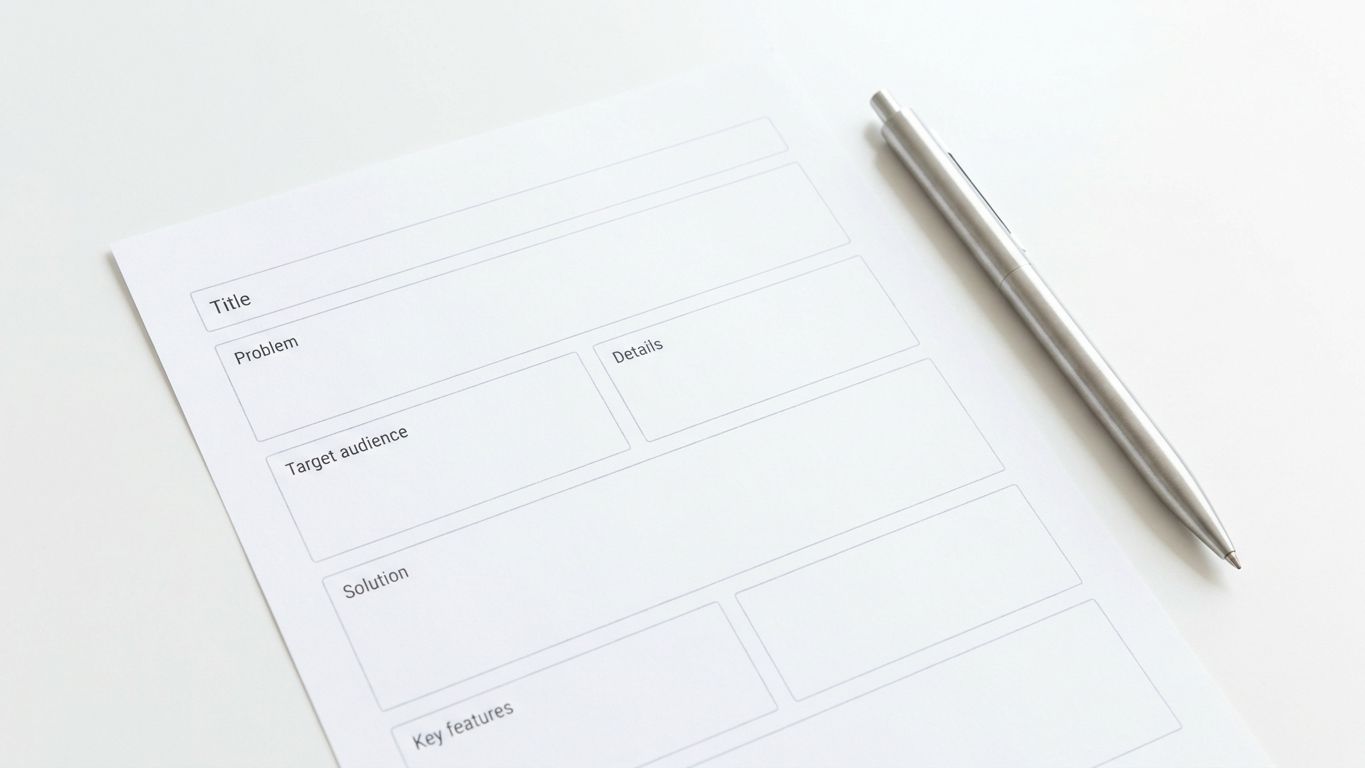
3 out of 10 briefs we receive are detailed enough to quote. The other 7 get responses like "EUR 20k-80k depending on scope" - which is useless to everyone.
Founders blame agencies for vague quotes. Agencies blame founders for vague briefs. Both are right. But since you're the one spending money, it's in your interest to write a brief that forces accurate pricing.
We're going to share the exact template we use with clients. When founders fill this out before our first call, our quotes are accurate within 10%. When they don't, accuracy drops to 40%.
Key Takeaways > - A good brief takes 2-4 hours to write. That investment saves weeks of back-and-forth and thousands in mispriced work. > - Our template has 7 sections. Most founders skip the 3 that matter most: user flows, integrations, and constraints. > - The brief isn't a spec. It's a communication tool. Write it for humans, not machines.
Why Bad Briefs Get Bad Quotes
An agency's quote is only as precise as the information it's based on. Here's what happens with a vague brief:
You write: "We need a marketplace where users can buy and sell items."
The agency thinks: Is this Craigslist or Amazon? Peer-to-peer payments or escrow? 10 users or 10,000? One category or fifty? Mobile app or web? Real-time chat between buyers and sellers?
Each of those questions doubles or halves the price. Without answers, the agency either quotes high (to cover unknowns) or quotes low (to win the project and negotiate later). Neither serves you.
A precise brief eliminates these questions. The agency reads it and thinks: "This is a peer-to-peer marketplace for vintage furniture, web-only, with Stripe Connect for payments, 3 user roles, and an expected launch volume of 500 listings. That's a EUR 28k-32k project."
That's a useful quote. You got it because you wrote a useful brief.
Our Product Brief Template
Here's the exact template we send to clients. We'll explain each section and show you what good and bad entries look like.
Section 1: Product Overview (Half a Page)
What is this product, who is it for, and why does it need to exist?
Bad example: "A platform for managing projects."
Good example: "A project management tool for construction companies with 10-50 employees. Existing tools (Asana, Monday) don't handle site-specific workflows like permit tracking, subcontractor scheduling, and inspection checklists. We've validated demand with 15 construction company owners who confirmed they'd pay EUR 50-100/month."
The good example tells us: the target audience (construction, SMB), the competitive landscape (Asana/Monday don't fit), the core differentiator (construction-specific workflows), and the price point (EUR 50-100/month, which tells us the product complexity level).
Section 2: User Roles (List Them All)
Every distinct type of user who interacts with the system.
Bad example: "Users and admins."
Good example: - Site Manager: Creates projects, assigns tasks, uploads inspection photos. Can see all projects for their company. - Subcontractor: Views assigned tasks, updates status, submits completion photos. Can only see tasks assigned to them. - Company Admin: Manages billing, adds/removes users, generates reports. Has access to everything. - Inspector (read-only): Views project status and inspection history. Cannot modify anything.
Each role directly impacts the authorization model, the UI complexity, and the testing surface. A 2-role app and a 5-role app are different projects at different price points.
Section 3: Core Features (Prioritized)
List every feature and mark it as Must Have, Should Have, or Nice to Have. Be honest. If everything is "Must Have," nothing is prioritized.
Bad example: "Project management, time tracking, invoicing, reporting, chat, file sharing, calendar, Gantt charts, resource allocation, AI suggestions."
Good example:
Must Have (launch blockers): 1. Project creation with permit tracking fields 2. Task assignment to subcontractors with status updates 3. Photo upload for inspections (up to 20 photos per inspection) 4. Company-level dashboard showing all active projects 5. Stripe billing (monthly subscription, 3 tiers)
Should Have (within 1 month of launch): 6. PDF report generation for inspections 7. Email notifications for task assignments and status changes 8. Basic search and filtering across projects
Nice to Have (future roadmap): 9. Gantt chart view 10. Subcontractor performance scoring 11. Integration with accounting software
The prioritized list lets us quote the Must Haves as the fixed scope, then quote Should Haves as a Phase 2. This is how you control costs without cutting corners.
Section 4: User Flows (The Section Everyone Skips)
Walk through the 3-5 most important actions a user takes, step by step.
This section is the most valuable and most commonly missing. It forces you to think through the actual experience instead of listing features.
Bad example: "Users can create projects and assign tasks."
Good example:
Flow: Site Manager Creates a New Project 1. Manager clicks "New Project" from the dashboard 2. Fills in project name, address, permit numbers, expected duration 3. Adds subcontractors from the company's subcontractor list 4. Creates inspection milestones with due dates 5. System sends email invitations to assigned subcontractors 6. Project appears on the dashboard with status "Active"
Flow: Subcontractor Completes a Task 1. Subcontractor receives email notification with task details 2. Opens the task in the app (no login required for first access - magic link) 3. Views task description, location, and deadline 4. Uploads 1-5 completion photos 5. Marks task as "Complete" 6. Site Manager receives notification and reviews photos 7. Site Manager approves or requests changes
These flows reveal requirements that feature lists hide. "Magic link for first access" changes the authentication model. "1-5 completion photos" defines upload limits. "Site Manager approves or requests changes" adds an approval workflow. Each of these affects the quote.
Section 5: Integrations (Be Specific)
List every third-party service the product needs to connect to. For each one, describe what data flows in which direction.
Good example: - Stripe: Monthly subscription billing. 3 tiers (Basic EUR 50/mo, Pro EUR 100/mo, Enterprise EUR 200/mo). No usage-based billing. - SendGrid: Transactional emails for task assignments, status changes, and weekly digests. Estimated volume: 500 emails/day at launch. - Google Maps API: Display project locations on a map. Geocoding of addresses. No routing or directions needed. - AWS S3: Photo storage. Expected volume: 10,000 photos/month at 5MB average = 50GB/month.
Each integration costs EUR 3,000-10,000 depending on complexity. Vague integration requirements ("connects to email") are impossible to price accurately.
Section 6: Constraints and Requirements
Technical, legal, or business constraints that affect the build.
Good example: - Must support iOS Safari and Chrome on Android (mobile-first, no native app needed) - Data must be stored in EU region (GDPR compliance) - Must support offline photo upload (subcontractors may be in areas with poor connectivity) - Launch deadline: October 15 (construction season ends in November) - Budget ceiling: EUR 45,000
Constraints narrow the solution space, which improves the quote accuracy. "Offline photo upload" is a significant technical requirement that doubles the mobile development effort. Better to surface that in the brief than discover it in week 3.
Section 7: What You've Already Tried
Have you built a previous version? Used a competitor? Tried to solve this with spreadsheets? What worked and what didn't?
This section prevents agencies from proposing solutions you've already rejected. It also signals how much you understand the problem space.
Good example: "We've used Monday.com for 2 years. The permit tracking is done in a separate Google Sheet because Monday's custom fields can't handle our workflow. Subcontractors refuse to create Monday accounts, so task updates come via text message and someone manually enters them. We need a system subcontractors will actually use, which means minimal friction to access (no app download, no account creation)."
This paragraph tells us more about the product requirements than a 10-page feature list.
The Contrarian Take: A Brief That's Too Detailed Is Almost As Bad As One That's Too Vague
We've received 40-page briefs with wireframes for every screen, pixel-level design specifications, and database schema diagrams.
These briefs are problematic for a different reason: they prescribe solutions instead of describing problems. When a founder specifies "use PostgreSQL with these exact tables," they've made an architectural decision without the context to make it well.
A good brief describes what the product needs to do and who it's for. It leaves the how to the agency. Your job is to define the problem precisely. Our job is to solve it efficiently.
The ideal brief length is 3-5 pages. Long enough to be specific. Short enough to be read.
What Happens After You Send the Brief
Here's our process after receiving a brief:
Day 1: We read the brief. If it's complete, we start estimating. If it's incomplete, we send back specific questions (not "tell us more" - specific questions like "how many user roles?" or "does the search need to be real-time?").
Day 2-3: We break the brief into sprints, estimate each sprint, and add our risk buffer.
Day 4-5: We send back a fixed-scope quote with a sprint breakdown, timeline, and total price. The quote references specific sections of the brief so you can see exactly what you're paying for.
Day 6-7: We have a call to discuss questions on both sides. We adjust if needed.
This process takes a week. But the quote is accurate. Compare that to 3 weeks of calls and revisions when the brief is vague.
Frequently Asked Questions
How long should a product brief take to write?
Plan for 2-4 hours if you know your product well. If you find yourself stuck, that's a signal you need to think more about the product, not a signal to skip the brief. The clarity you gain from writing the brief will save you far more than 4 hours during the project.
Should I include wireframes or mockups?
Low-fidelity sketches (pen and paper, or a simple tool like Excalidraw) are helpful for complex flows. High-fidelity mockups are usually premature - they constrain the design process and may not match what's technically feasible. Show us the flow, not the pixels.
What if I don't know the answers to some sections?
Mark them as "TBD" and send the brief anyway. A brief with 5 out of 7 sections complete is better than no brief. We'll ask about the gaps. The worst thing you can do is wait until you have all the answers - that day may never come.
Do I need separate briefs for each phase?
No. One brief covers the full product vision. In the brief, your prioritization (Must Have, Should Have, Nice to Have) tells us what goes in Phase 1 versus Phase 2. We'll quote each phase separately but scope them from the same document.
Notes on building fast.
One short email a month from the RalphNex team. Projects we shipped, ideas we tested, and what worked.
No spam. Unsubscribe anytime.

Aadil Ghani
Founder & CEO
Co-founder and managing director of RalphNex. Started coding at 14. Writes about building fast and the projects we ship.
More from the RalphNex Journal
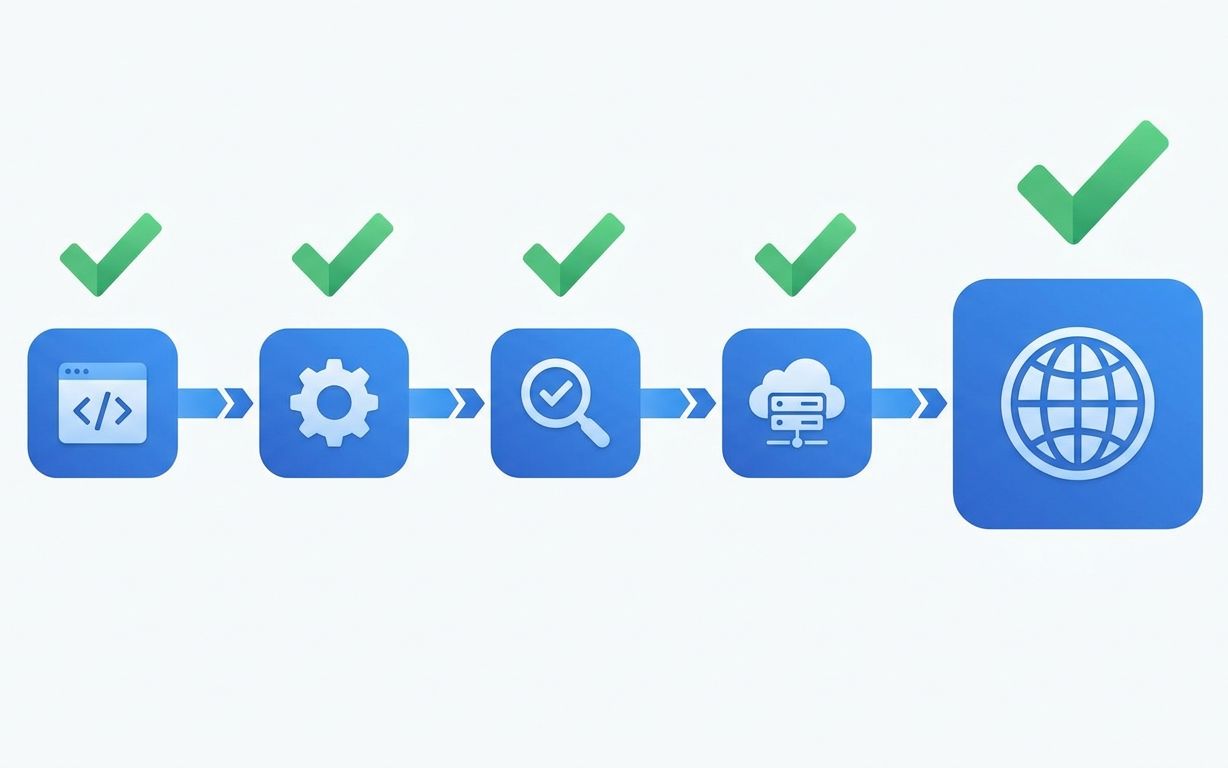
How We Set Up CI/CD for Every Client Project
Every project we ship gets the same CI/CD pipeline. It takes 4 hours to set up and saves 200+ hours over the project lifetime.

SaaS Development for Edtech: Building for Schools and Students
Schools buy software in June, onboard in August, and complain in September. Your edtech product needs to survive all three.