
How Long Does It Take to Build a Mobile App in 2026
We shipped Shamaze on both iOS and Android in 2 months. Most agencies quote 6-9 months for the same scope. Here's why timelines vary so much.

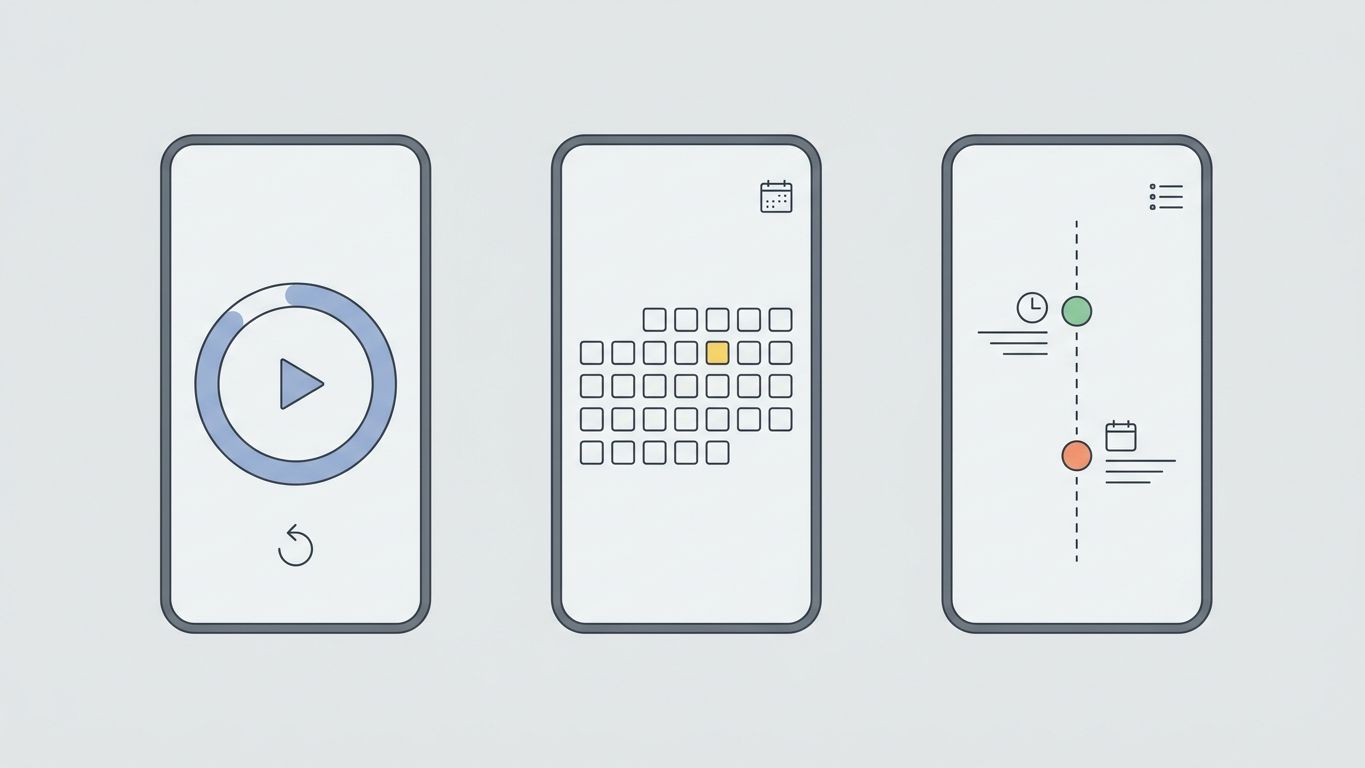
8 weeks. That's how long it took us to build Shamaze - a children's bedtime stories app - from first commit to live on both the App Store and Google Play. Most agencies would quote 4-6 months for the same scope.
The gap between quoted timelines and actual timelines in mobile development is enormous. Some of it is padding. Some is genuine complexity. Most of it is poor scoping and slow decision-making. We're going to break down what actually determines how long your app takes to build, using real numbers from our projects.
Key Takeaways > - A simple mobile app takes 2-3 months. A mid-complexity app takes 3-6 months. A complex app takes 6-12 months. > - Cross-platform (React Native, Flutter) saves 30-40% development time compared to building native iOS and Android separately. > - The biggest timeline killer isn't code. It's app store review, scope changes, and waiting for client decisions.
Realistic Timelines by App Complexity
Every app is different, but they cluster into predictable categories. Here's what we've seen across dozens of projects.
Simple app (2-3 months) 5-10 screens. One user role. Basic authentication. Content display or simple data entry. Push notifications. Examples: content apps, simple booking tools, informational apps with a backend.
Shamaze fits here. It has story browsing, reading with audio, parental controls, and subscription billing. Focused scope, clear user flow, no social features or complex real-time interactions.
Mid-complexity app (3-6 months) 15-30 screens. Multiple user roles (customer + admin, buyer + seller). Third-party integrations (payments, maps, messaging). Offline mode. Moderate backend complexity. Examples: marketplace apps, fitness trackers with social features, field service tools.
Complex app (6-12 months) 30+ screens. Real-time features (chat, live tracking, video). Complex business logic. Multiple integrations. Custom animations. Advanced offline sync. Examples: fintech apps, healthcare platforms, social networks, logistics platforms.
Enterprise app (12+ months) Compliance requirements. Legacy system integrations. Multi-region deployment. Extensive security audits. These timelines are dominated by non-development work: compliance, stakeholder alignment, and integration with systems built in 2005.
The Shamaze Build: 8 Weeks, Both Platforms
Here's exactly how we built a dual-platform app in 2 months. Not to brag - to show that timeline compression comes from scoping discipline, not coding speed.
Week 1-2: Design and architecture Full UI/UX design in Figma. API schema. Database design. Tech stack decision (React Native for cross-platform). Story content structure and audio integration planning. By end of week 2, every screen was designed and the backend architecture was locked.
Week 3-5: Core development Authentication, story library, reading experience with audio playback, parental gate, and subscription management via RevenueCat. The reading experience was the hardest part - syncing text highlighting with audio narration across different device sizes.
Week 6-7: Polish and testing Performance optimization on low-end Android devices. Accessibility improvements. Beta testing with 15 families. Bug fixes. App Store and Google Play asset preparation (screenshots, descriptions, privacy policy).
Week 8: Submission and launch Submitted to both stores. Apple took 3 days for review. Google took 1 day. Both approved on first submission because we'd followed the guidelines precisely.
What made this possible: React Native for cross-platform (one codebase, two platforms), aggressive scope control (launched with 50 stories, not 500), and zero scope changes after week 2.
iOS vs Android vs Cross-Platform: The Timeline Impact
This is the single biggest timeline decision you'll make. Choose wrong and you double your development time.
Native iOS only (Swift/SwiftUI): 60-70% of full timeline Best for: consumer apps where iOS users are your primary market, apps that need deep Apple ecosystem integration (HealthKit, ARKit, Watch connectivity). Timeline savings come from building for one platform only.
Native Android only (Kotlin/Compose): 60-70% of full timeline Best for: apps targeting Android-dominant markets (Southeast Asia, Africa, parts of Europe), enterprise apps distributed via MDM. Android's device fragmentation adds 10-20% QA time compared to iOS.
Both native (separate codebases): 150-180% of single platform Not double, because design and backend are shared. But you maintain two codebases, two sets of platform-specific bugs, and two app store submission processes. Long-term maintenance cost is roughly double.
Cross-platform - React Native or Flutter: 100-120% of single platform This is what we used for Shamaze. One codebase that compiles to both platforms. You spend 80% of development time on shared code and 20% on platform-specific adjustments. The math is compelling: you get 2 platforms for roughly the cost of 1.2.
Here's our contrarian take: in 2026, there's almost no reason to build separate native apps for a startup. React Native and Flutter have matured to the point where the performance gap is imperceptible for 95% of use cases. The 5% that still need native are gaming, AR-heavy apps, and apps that need deep OS integration. If you're building a SaaS, marketplace, or content app - go cross-platform.
What Actually Slows Mobile Development Down
The code is rarely the bottleneck. Here are the real timeline killers, ranked by how much time they waste.
1. Scope changes after development starts Every feature added mid-build costs 3-5x what it would have cost if planned from the start. Not because the code is harder to write, but because it requires rearchitecting what's already built. One client added "just a chat feature" in week 4 of a 10-week project. That "small" addition pushed the launch back by 6 weeks because it required a real-time infrastructure we hadn't planned for.
2. Client decision delays We structure our projects so design decisions happen during sprint reviews, not in async approval queues. When a client takes 2 weeks to approve a design, the project extends by 2 weeks. We've had projects where the actual development took 2 months but the calendar time was 5 months because of slow approvals.
3. App store review process Apple's review takes 1-7 days, with occasional rejections that add another cycle. Google is faster (usually 1-3 days) but can be unpredictable. First submissions get more scrutiny. Plan for 2 weeks of buffer for the submission process, including potential rejections and resubmissions.
4. Third-party API reliability If your app depends on external APIs, their documentation quality and uptime directly affect your timeline. We've lost weeks to poorly documented payment provider APIs. Stripe and RevenueCat are well-documented. Niche industry APIs are often a nightmare.
5. Device fragmentation (Android) Testing on iOS means 4-5 device sizes and 2-3 OS versions. Testing on Android means hundreds of device configurations. We test on the top 15 Android devices by market share, but edge cases on obscure devices still appear post-launch.
Cost vs Timeline Tradeoff
Faster always costs more. But the relationship isn't linear.
Compressed timeline (50% faster): 20-30% more expensive. You need more senior developers working in parallel. Coordination overhead increases. But it's not double the cost because many tasks can be parallelized.
Extended timeline (50% longer): 10-20% cheaper on paper, more expensive in reality. Developer context-switching between projects kills productivity. A developer working on your app 2 days/week for 6 months ships less than the same developer working full-time for 3 months.
Our fixed pricing reflects this. We charge EUR 30k for a 2-month app build. That's the same whether we start Monday or next quarter. The scope determines the price, not the calendar.
How to Shorten Your App Timeline
Practical advice from shipping apps on tight deadlines.
Lock the scope before development starts. This alone saves 3-6 weeks on a typical project. Use design sprints to explore and eliminate options. Once development begins, the feature list is frozen until launch.
Launch with fewer features. Shamaze launched with story reading, audio, and subscriptions. No social features, no custom story creation, no gamification. Those came later, informed by actual user behavior instead of assumptions.
Use cross-platform unless you have a specific reason not to. React Native or Flutter. Pick one. Ship to both platforms. Save 4-8 weeks compared to native dual development.
Automate testing and deployment early. Setting up CI/CD in week 1 saves cumulative hours every week after. Automated builds, automated testing, automated deployment to TestFlight and Google Play internal testing.
Make decisions fast. The single biggest predictor of on-time delivery in our projects is client responsiveness. Founders who reply within hours get their apps weeks earlier than those who take days.
The Post-Launch Timeline Nobody Talks About
Your app isn't done at launch. Here's what the first 90 days look like.
Week 1-2 post-launch: Bug fixes from real-world usage. Users do things you never tested for. Budget 20-30 hours of development time.
Week 3-4: First major update based on user feedback and analytics. Usually involves removing features nobody uses and improving the ones they do.
Month 2-3: Feature additions that users actually requested. App store optimization based on real keyword data. Performance improvements based on crash reports.
We include 30 days of post-launch support in our pricing. After that, most clients either bring development in-house or come back for Phase 2 on a new engagement.
Frequently Asked Questions
Can you really build a mobile app in 2 months?
Yes, with the right scope. Shamaze (iOS + Android children's app with audio, subscriptions, and parental controls) took 8 weeks from first commit to app store approval. The key is launching with 4-6 core features, not 20. More complex apps with marketplace features, real-time communication, or enterprise requirements take 4-6 months.
Should I build for iOS or Android first?
Build for both simultaneously using React Native or Flutter. The development cost difference between one platform and both is only 20-30% with cross-platform tools. If you absolutely must choose one: pick the platform where your target users spend the most. In the US and Western Europe, iOS users spend more on apps. In most other markets, Android has 70-85% market share.
How much does app store approval add to the timeline?
Budget 1-2 weeks for the submission process. Apple reviews typically take 1-7 days, Google takes 1-3 days. First submissions receive more scrutiny. Common rejection reasons: incomplete privacy policies, broken links, crashes during review, and unclear subscription terms. We prepare all store assets during development so submission happens the same day we finish QA.
What's the most common reason apps take longer than expected?
Scope changes during development. Every feature added after the architecture is set costs 3-5x more time than if it was planned from the start. The second biggest cause is slow client decisions on design and product questions. We mitigate both with fixed-scope contracts and real-time sprint reviews.
*Have an app idea with a deadline? Book a 30-minute call and we'll give you a realistic timeline and fixed-scope estimate. Or see our Web and Mobile Apps service for details on what's included.*
Related serviceWeb & Mobile Apps
Notes on building fast.
One short email a month from the RalphNex team. Projects we shipped, ideas we tested, and what worked.
No spam. Unsubscribe anytime.

Aadil Ghani
Founder & CEO
Co-founder and managing director of RalphNex. Started coding at 14. Writes about building fast and the projects we ship.
More from the RalphNex Journal
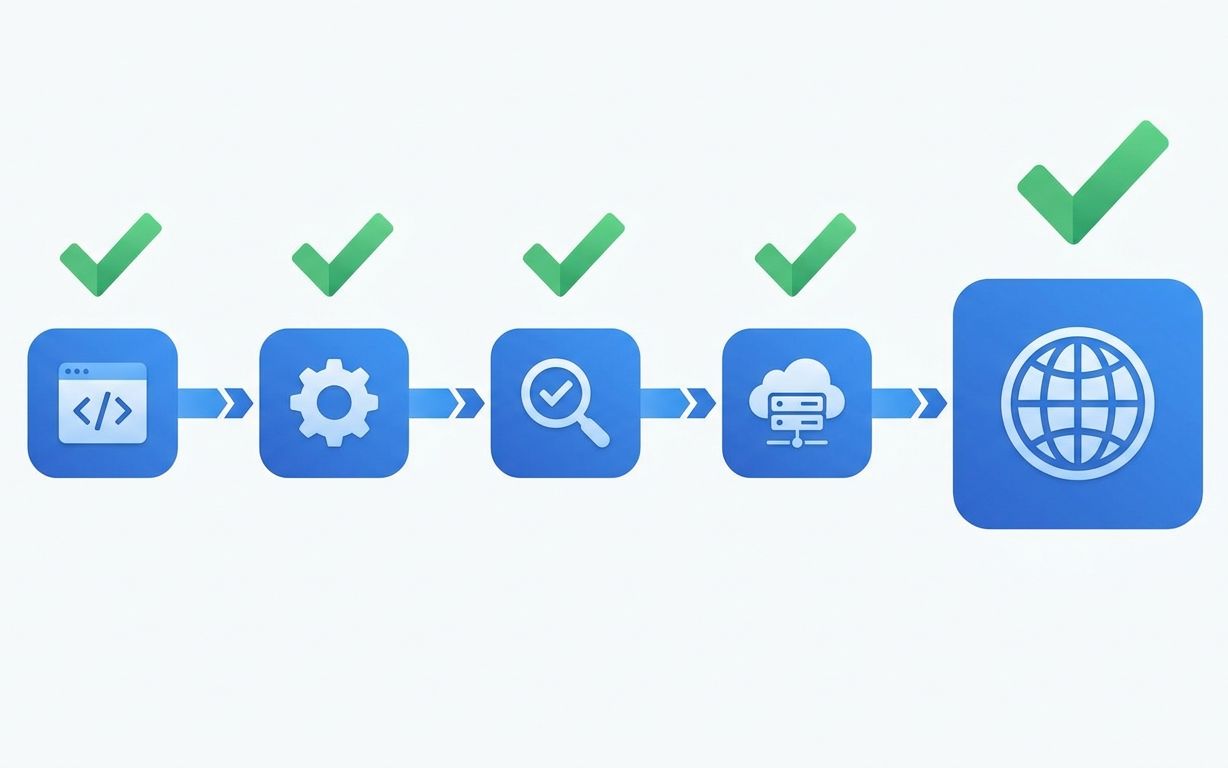
How We Set Up CI/CD for Every Client Project
Every project we ship gets the same CI/CD pipeline. It takes 4 hours to set up and saves 200+ hours over the project lifetime.

SaaS Development for Edtech: Building for Schools and Students
Schools buy software in June, onboard in August, and complain in September. Your edtech product needs to survive all three.